Features
Christian tools for the moment temptation hits.
PrayBreak™ is a Christian app for lust and pornography temptation. When an urge hits, you run the guided HOLD → LOOK → PRAY → MOVE Ritual — plus App Shield, saved prayers, progress tracking and a private nightly check-in for before, during and after.
The Ritual
Four steps for when temptation is already happening — the full battle plan is here.
HOLD Start the Ritual
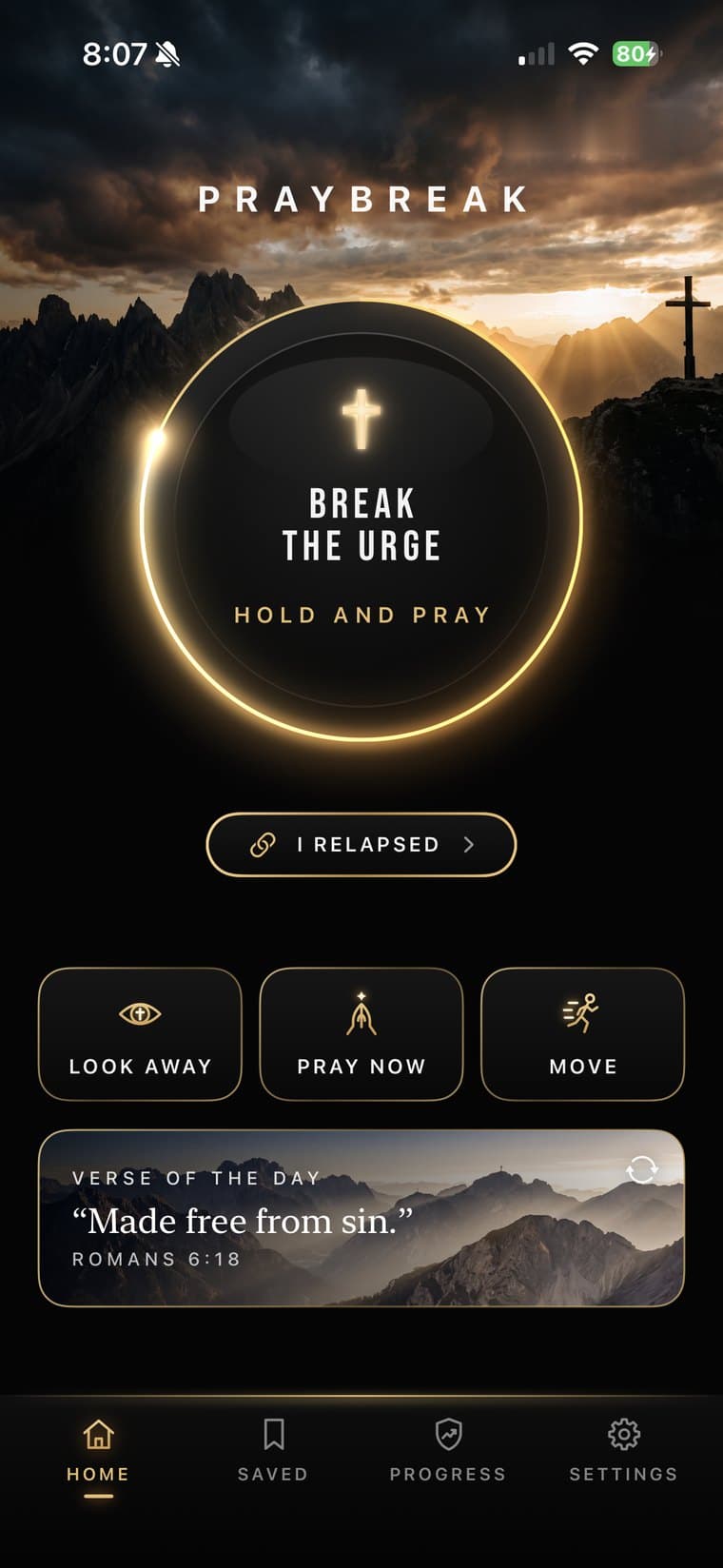
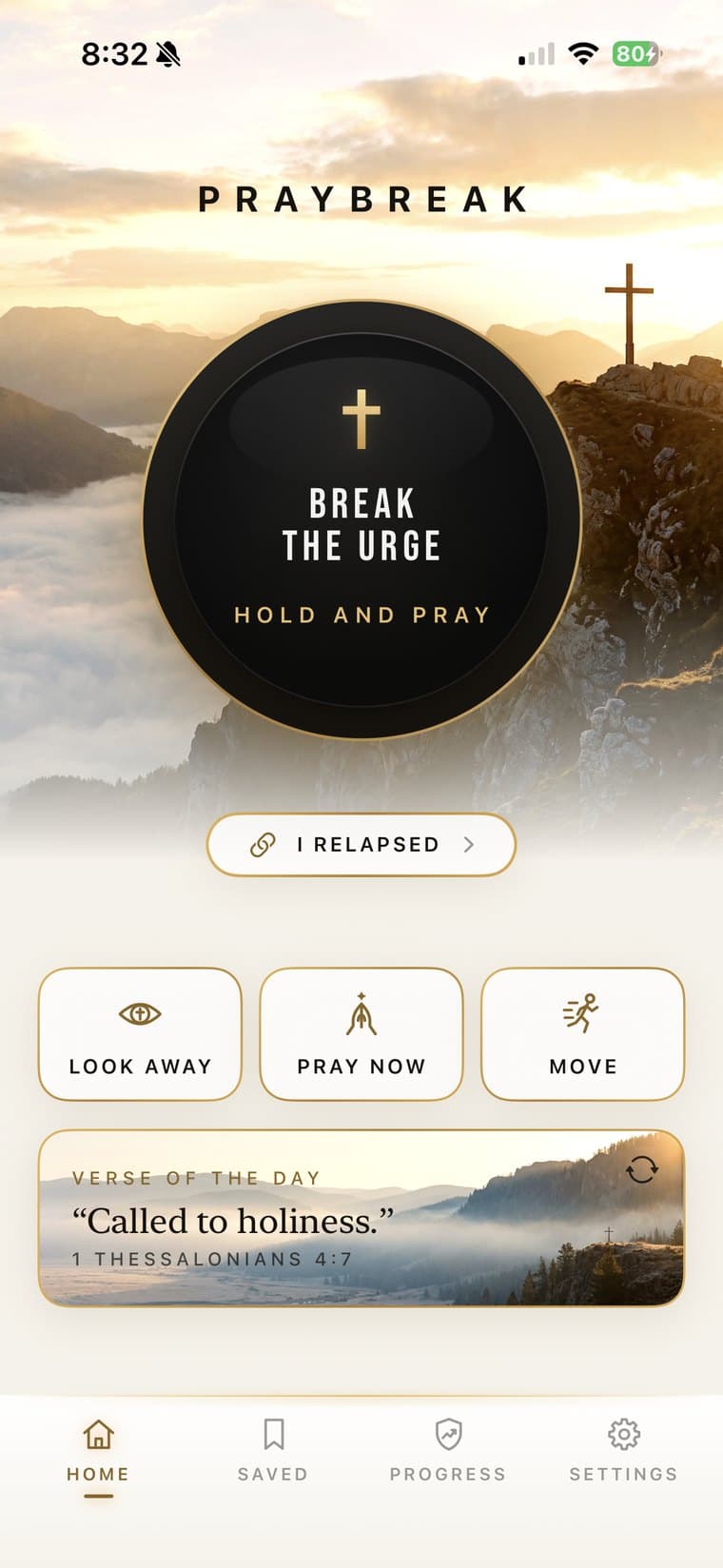
Home opens on one dial: Break the Urge. Press and hold it for three seconds as it counts down 3, 2, 1 with rapid vibration. Let go early and it cancels, so your first move uses your hands, not your willpower.
LOOK Get out of the fantasy
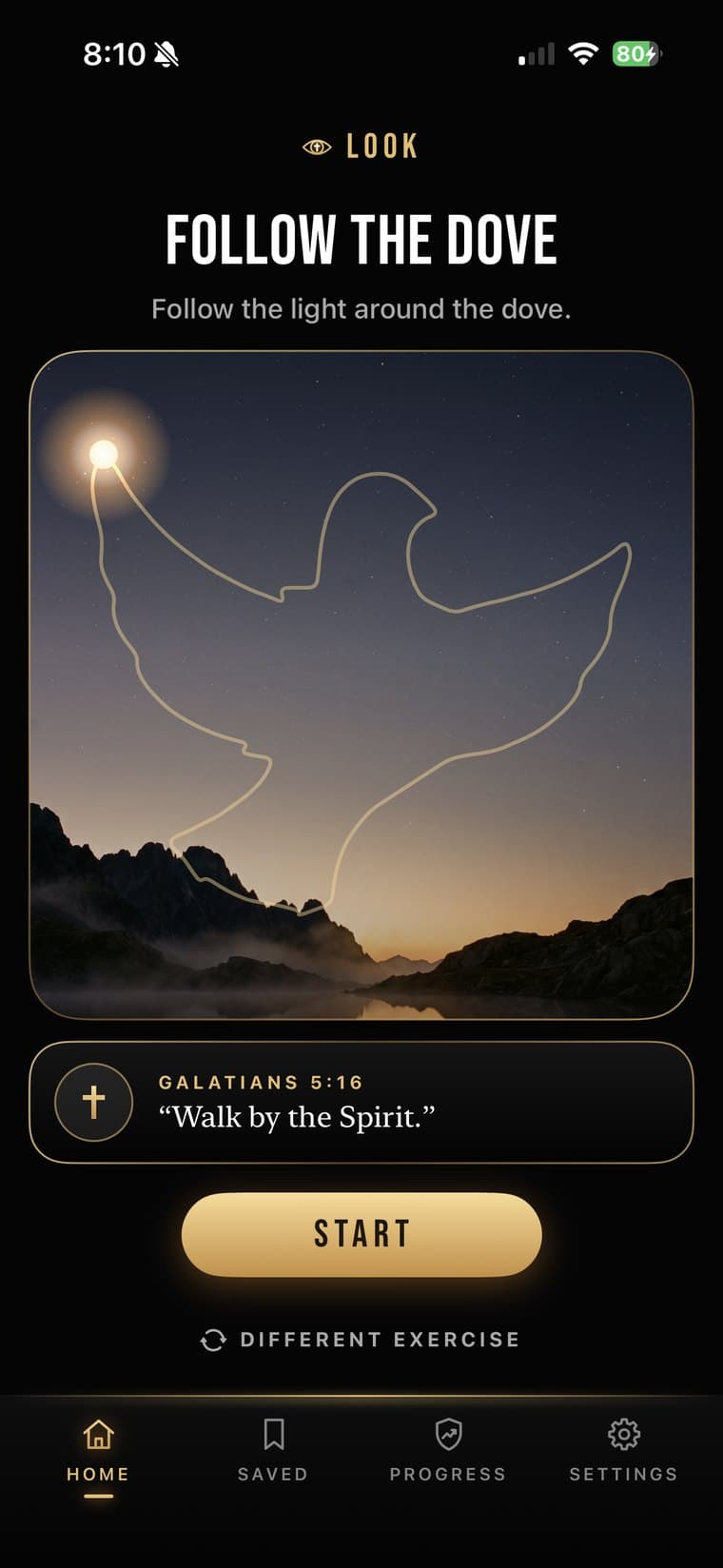
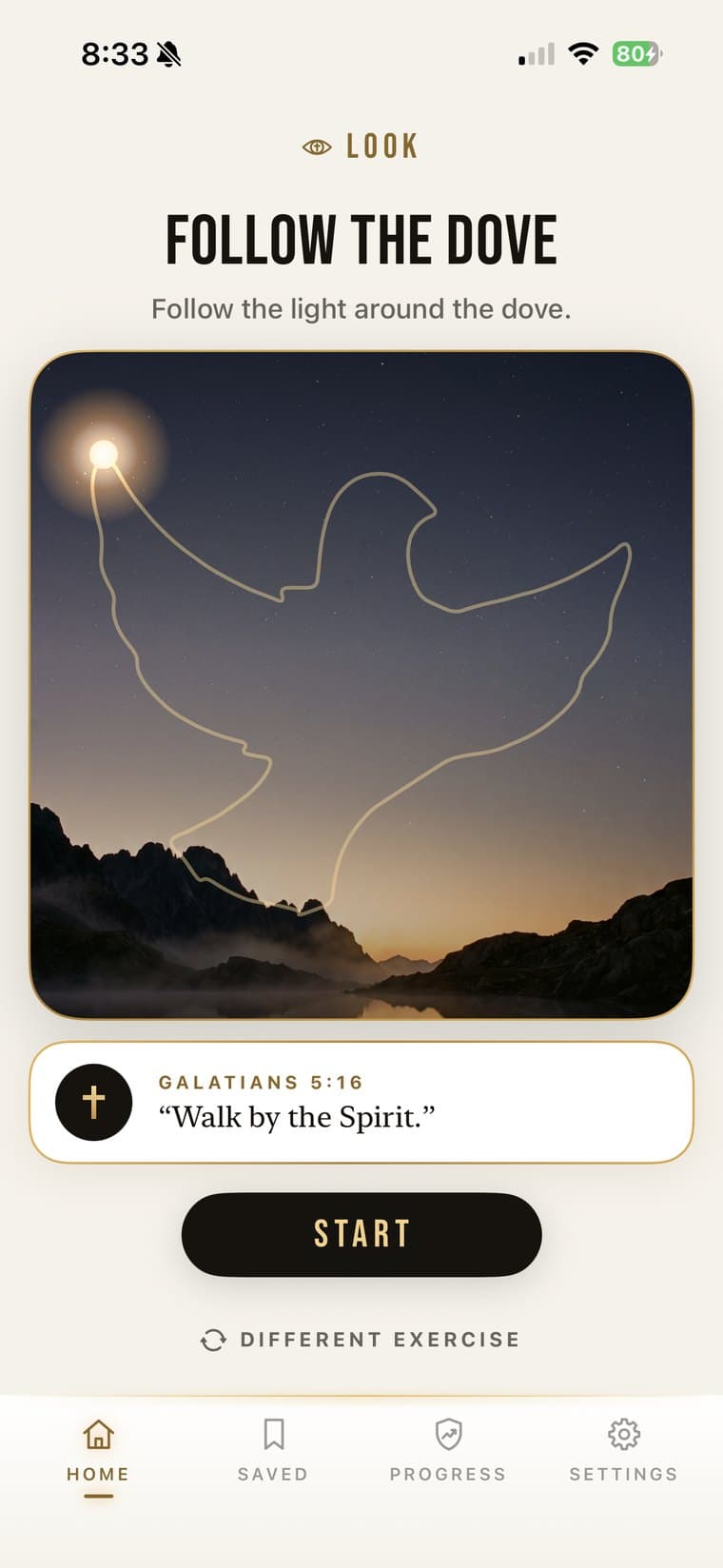
Seven short exercises, each with a verse: Eye Movement (Hebrews 12:2), Follow the Dove (Galatians 5:16), Follow the Crown (James 1:12), Cross Focus (Psalm 46:10), Find 5 Things You Can See (Colossians 3:2), Take the Thought (2 Corinthians 10:5), and The Way Out (1 Corinthians 10:13). Different exercise swaps one that isn’t landing.
PRAY Turn your attention back to God
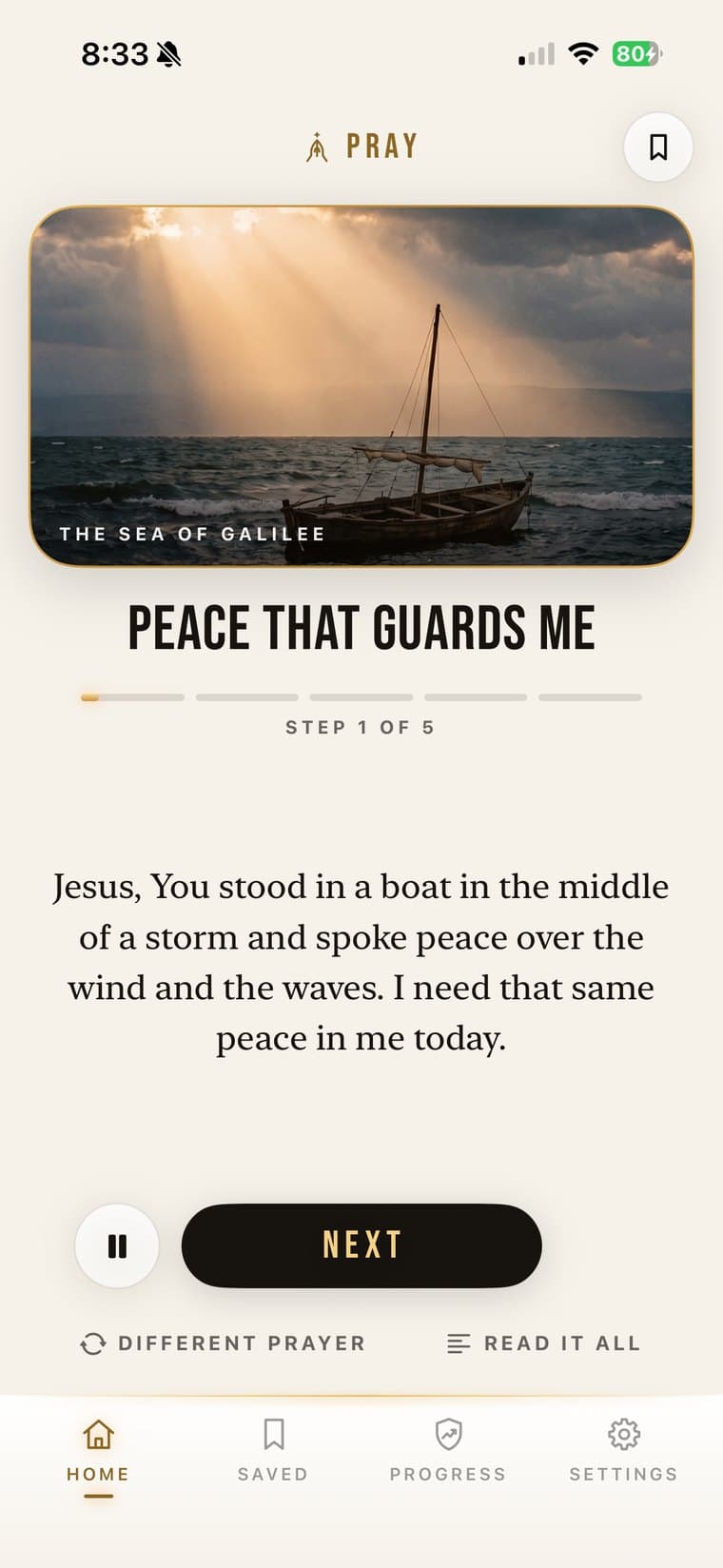
Twenty guided prayers, so you never have to find words mid-temptation. Each has five steps and is set in a biblical place: David’s rooftop, Gethsemane, the Sea of Galilee, the empty tomb, and more. Steps advance at the prayer pace you set, or with a swipe; Read it all shows the whole prayer; the last step ends on Amen.
“Watch and pray so that you will not fall into temptation” (Matthew 26:41).
MOVE Break the physical pattern
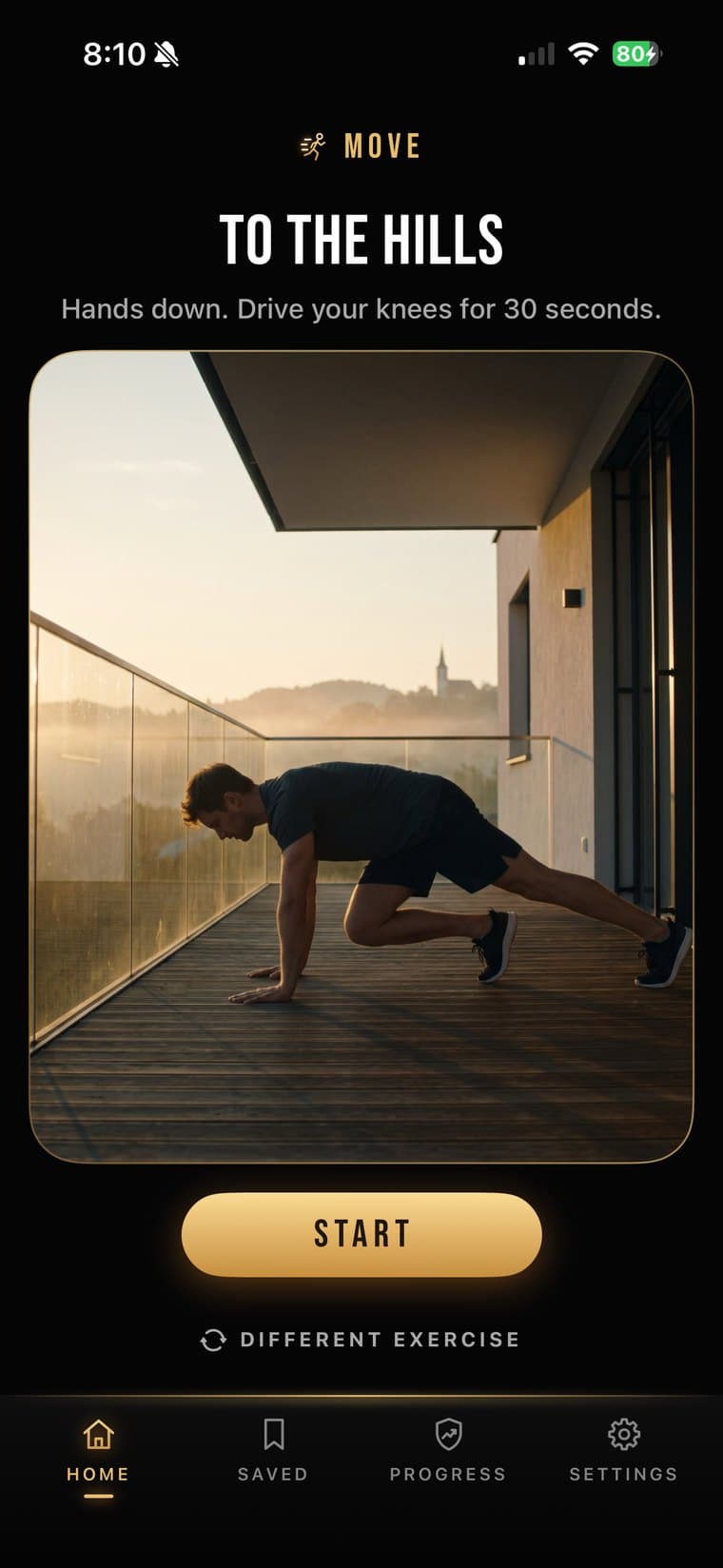
Eighteen short resets, each a single instruction: Cold Reset (cold water on your face), Step Away (leave the room and walk for two minutes), Hold Fast (a 30-second plank), To the Hills (knee drives), and more. Different exercise swaps one that won’t work where you are.
“Flee from sexual immorality” (1 Corinthians 6:18); flee youthful passions and pursue righteousness (2 Timothy 2:22).
It ends with a short cross film and “You held the line,” and a full PrayBreak adds one to Urges Broken. LOOK and MOVE can each be switched off in Settings; PRAY always stays.
App Shield
Pray first, then open.
Choose the apps that pull you toward temptation. App Shield keeps them closed through Apple’s Screen Time; opening one shows “Pray first.” Pray through to Amen in PrayBreak (not from the Saved tab) and they open for 5, 10, 15, or 20 minutes of use, your choice, then lock again, even with PrayBreak closed. Friction, not a locked door.
Adult Site Shield
Turn on the filter your iPhone already has.
A guided five-step setup of iPhone’s own Screen Time setting, Limit Adult Websites. PrayBreak doesn’t filter sites itself and can’t see whether the setting is on, so Test your shield opens Safari for you to check.
Saved Prayers
Keep what helps close at hand.
Tap the bookmark on any prayer to keep it in the Saved tab, ready to pray again.
“I have hidden your word in my heart that I might not sin against you” (Psalm 119:11).
Progress & Nightly Check-In
See the fight over time.
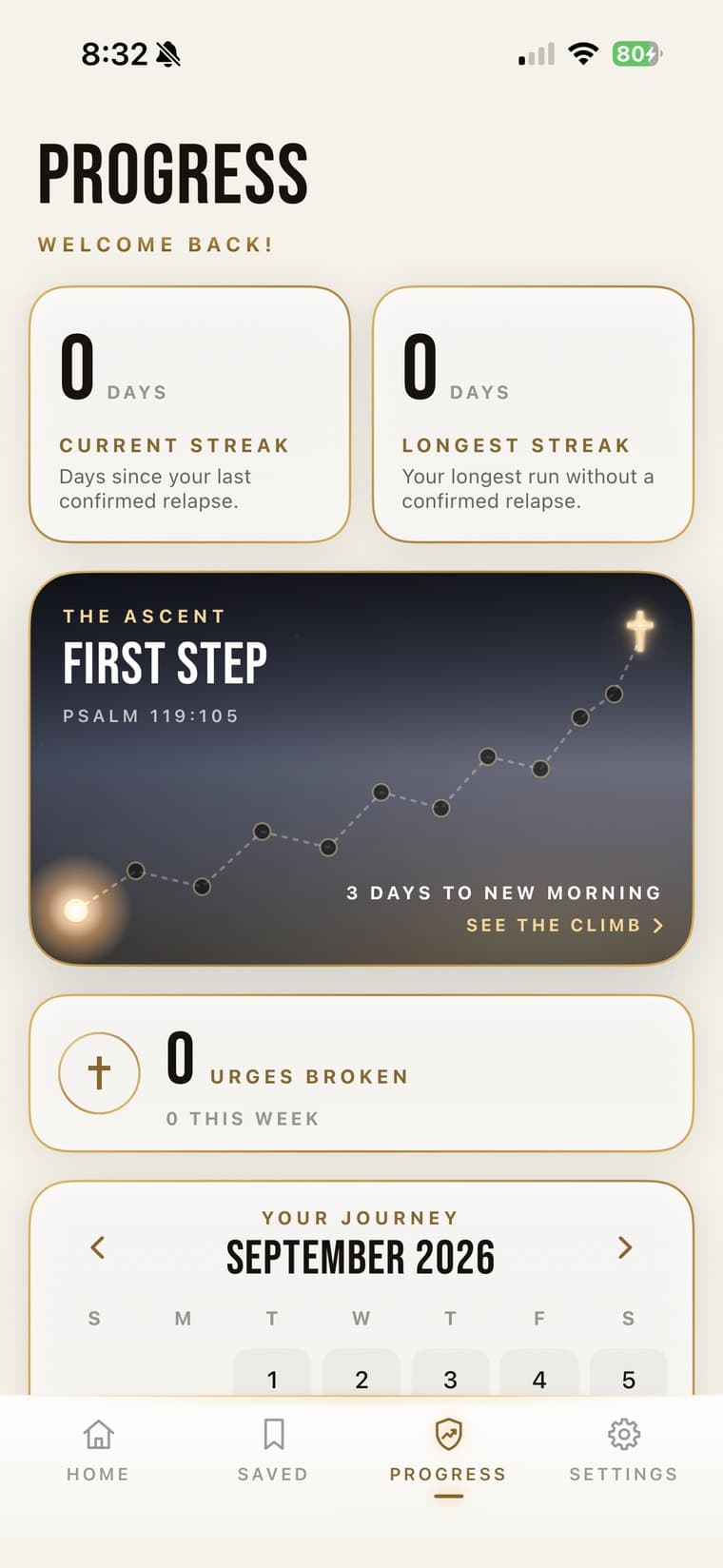
Your current streak counts days since your last confirmed relapse, and your longest streak keeps your best run; a missed check-in never resets your streak. The Ascent marks twelve milestones on a mountain trail, from First Step through Rooted, Steadfast, and Walking Free to Crown of Life at 365 days. Urges Broken counts every full PrayBreak, and the Your Journey calendar marks clean days, relapses, and days with no check-in. A nightly check-in asks “How did today go?”: Clean Day or I Relapsed. We count the moments you showed up for, not just unbroken days.
I Relapsed
Fell? Return instead of disappearing.
Tap I Relapsed on Home or in the nightly check-in. The app asks “What got past you?” (late night, alone, after stress, after scrolling, and more), then tells you “You are not done,” with a verse, and “That’s a pattern, not a verdict. The streak resets. The lesson stays.” Reset Streak closes it; your longest streak is kept. No lecture.
“If we confess our sins, he is faithful and just and will forgive us our sins” (1 John 1:9).
Strobing Light
Optional, and off until you turn it on.
On Face ID iPhones, a white strobe can run between the hold and LOOK, only while your eyes are closed; Apple’s face tracking reads two eye-blink values to tell. Nothing is recorded or saved.
Private by Design
Your struggle doesn’t need an audience.
No account, no email, no social feed, and no way for another person using PrayBreak to see anything you record. Your onboarding answers, saved prayers, check-ins, streaks, and relapse history stay on your iPhone, with no cloud sync — and none of it is ever used for advertising. We use limited analytics to see where the app confuses people, plus optional ad measurement you can switch off in Settings.
Full detail in the privacy policy.
Questions
What does PrayBreak do?
PrayBreak is a Christian app designed for moments of lust and pornography temptation. Hold the Break button for three seconds and the Ritual takes you through LOOK, PRAY, and MOVE in a few focused minutes, alongside App Shield, saved prayers, progress tracking, and a private nightly check-in.
Is PrayBreak a porn blocker?
Partly. App Shield keeps apps you choose closed until you pray, and Adult Site Shield guides you through iPhone’s own Limit Adult Websites setting; PrayBreak doesn’t filter sites itself. But blocking isn’t the differentiator — PrayBreak is built for the moment temptation is already happening.
What happens when a lust urge hits?
You open PrayBreak and hold the dial for three seconds. LOOK moves your eyes off the fantasy, PRAY leads you through a five-step prayer, and MOVE breaks the physical pattern. It ends on “You held the line.”
Is PrayBreak private?
There’s no account and no social feed, and what you record stays on your device. Your answers, prayers, goals, streaks, and relapse history are never used for advertising. We use limited analytics to improve the app, and optional ad measurement you can turn off in Settings. Our privacy policy has the full detail.
Want the prayers themselves? Ten battlefield prayers. Want the wider plan? The Christian porn recovery guide.
The next urge is coming.
PrayBreak is built for the moment that decides everything — press and hold, then LOOK, PRAY, MOVE. This time, have a weapon in your hand.